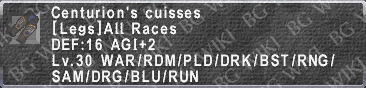
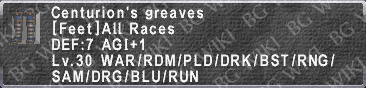
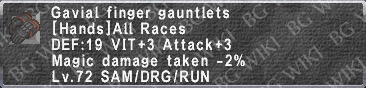
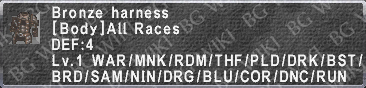
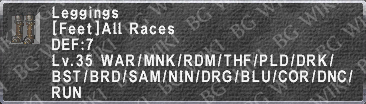
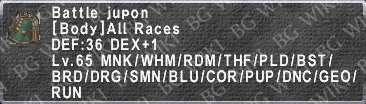
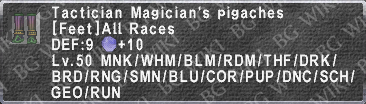
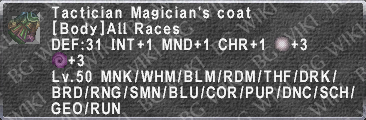
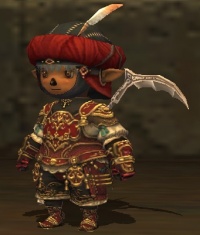
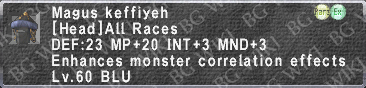
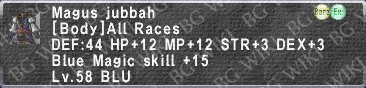
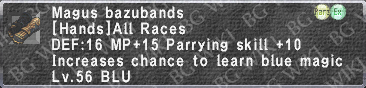
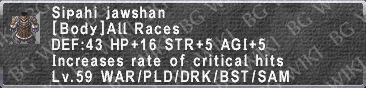
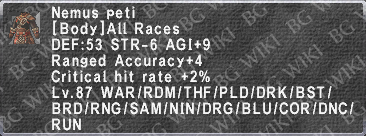
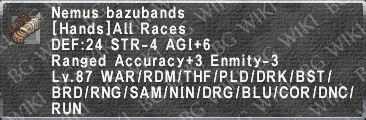
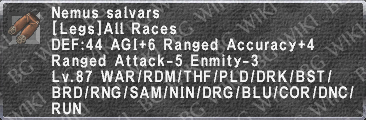
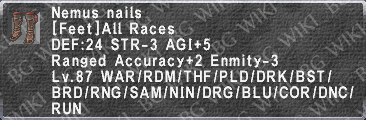
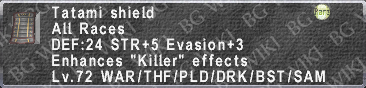
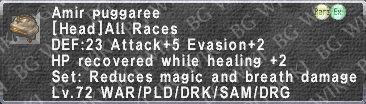
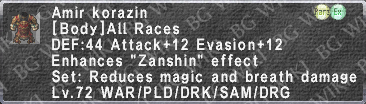
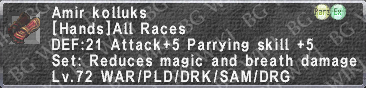
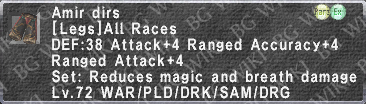
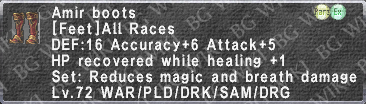
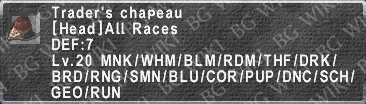
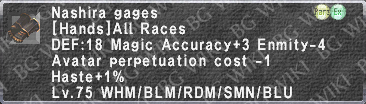
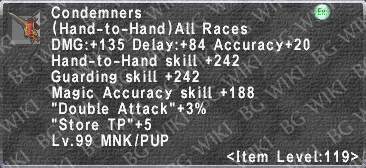
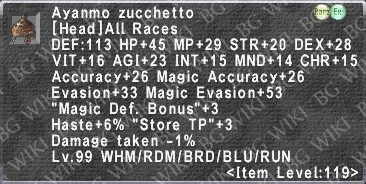
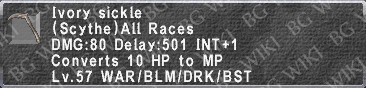
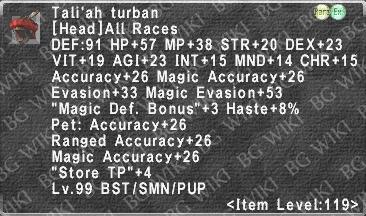
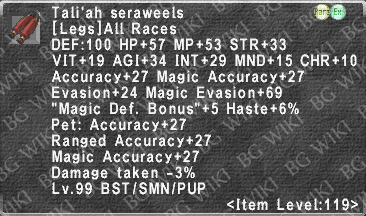
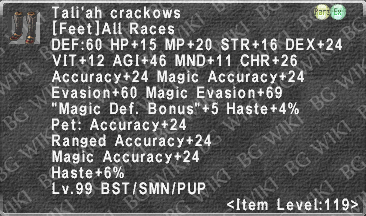
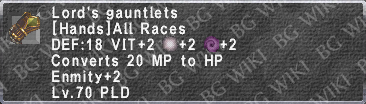
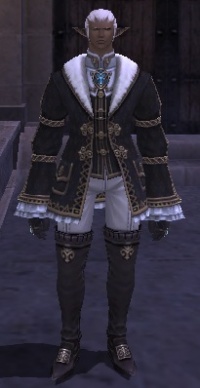
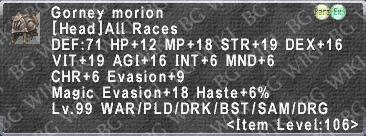
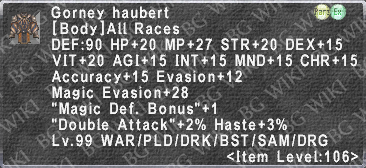
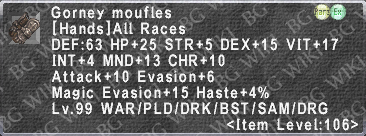
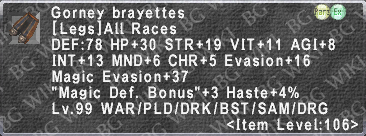
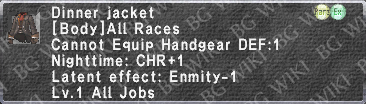
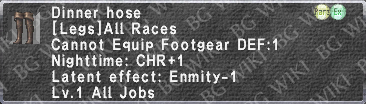
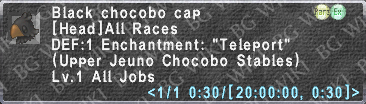
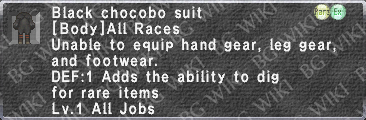
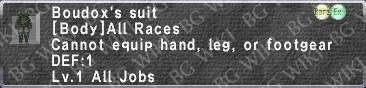
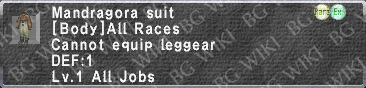
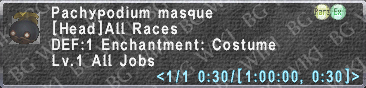
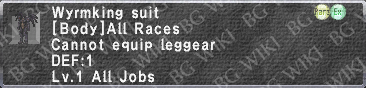
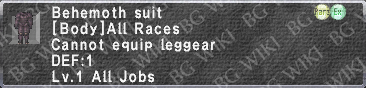
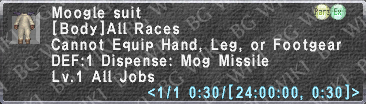
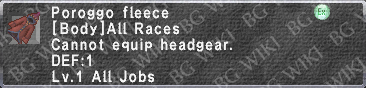
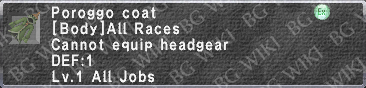
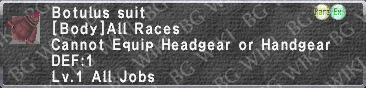
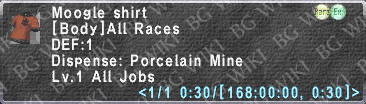
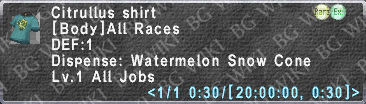
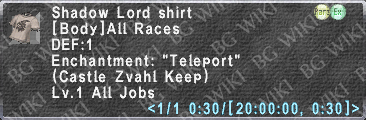
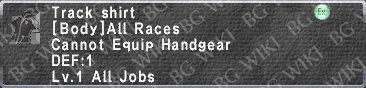
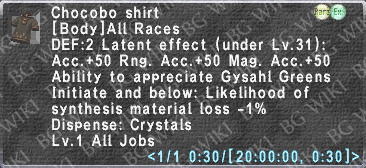
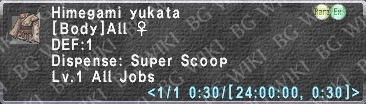
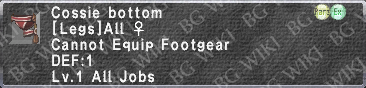
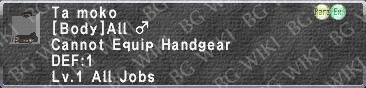
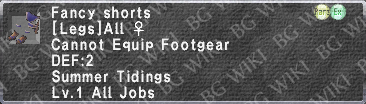
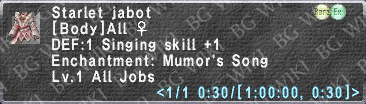
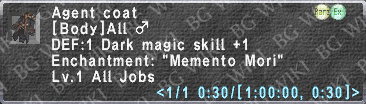
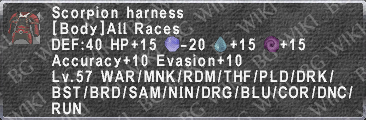
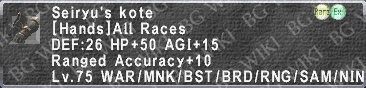
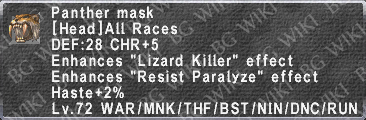
Style Lock, or Lockstyle, is a cosmetic glamour system that allows players to change their equipment appearance while keeping their actual equipment, well, equipped! Instead of showing off your hard-earned Artifact Armor and Relic Weapon, why not wear a Moogle Masque and an Ark Scythe instead? Or always rock the summer mood with Trainee's Specs. and Himegami Yukata, no matter the season. Just keep the Cait Sith Subligar private. The possibilities are endless!
Wear your best equipment for the stats while style locking another favorite for the looks!
Tip: Use Equipsets under the Main Menu → Macros → Edit Equip. Set to keep several lockstyles at the ready.
How to Style Lock
The command /lockstyle on/off will lock the player's cosmetic appearance to whatever is equipped at that moment and keep the appearance the same even after changing equipment.
Tip: What players refer to as "blinking." Preventing blinking as you change gear constantly is helpful for the mages in your party trying to target you.
The command /lockstyleset # will set the numbered equipment set as the style lock appearance.
"/lockstyleset 1" will lock the character’s appearance to that of the equipment designated in equipment set 1.
Not designating a number will style lock to what the character is currently equipped with.
This command may be used while already having a style locked appearance to change to another set.
Also accessible from the Main Menu → Config → Misc. 3 → Style Lock → Normal/Static.
This has the same effect as the /lockstyle command. Selecting "Static" will lock the character’s appearance.
Also accessible from Main Menu → Macros → Edit Equip. Set → Set### → Style Lock.
This has the same effect as the /lockstyleset command. Players may lock in their equipment appearance by registering an equipment set, selecting it, and then choosing Style Lock.
Conditions
The player must be in possession of the equipment piece in any inventory, including Mog House exclusive storage.
Inactive Wardrobe 3-8 can also be style locked from.
Players are able to style lock equipment that are not usable by their current job or level.
The player must fulfill the conditions to equip the piece on at least one job they have acquired.
For example, in order to style lock Lv. 99 BRD equipment on a Lv. 1 DRK, the player must be able to equip the piece normally on their BRD.
For weapons, the weapon type for main or sub weapons must be the same as those currently equipped.
For example, a Knife cannot be style locked over a Great Sword, nor Hand-to-Hand over a Sword, nor a Club over a Katana, and so on.
When changing a weapon type to a different weapon type, only the weapon graphic will change, but the other equipment pieces will remain style locked.
If the player switches their main weapon to that of a different weapon type and then switching back to a weapon of the original type, the /lockstyle functionality will reactivate and display the appearance of the originally set weapon.
For example, if a player has their weapon appearance locked at Sword-A and then equips a Club, only the weapon graphic will change from Sword-A to the newly equipped Club. If the player then switches out the Club for Sword-B, the style lock functionality will reactivate and the graphic for Sword-A will display over Sword-B.
There is a ~10 second enforced wait between changing immediately from one style lock to another.
The following conditions will disable style lock and reset the player's appearance to normal:
When changing jobs.
When becoming victim to a monster ability that removes the player’s equipment.
Style Lock Sets
Nations & NPC Themed
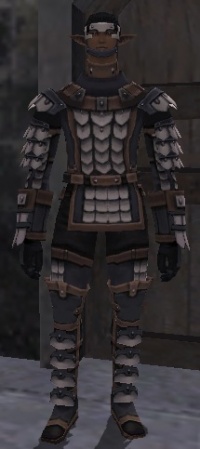
The following are recognizable lockstyles worn by NPCs.